
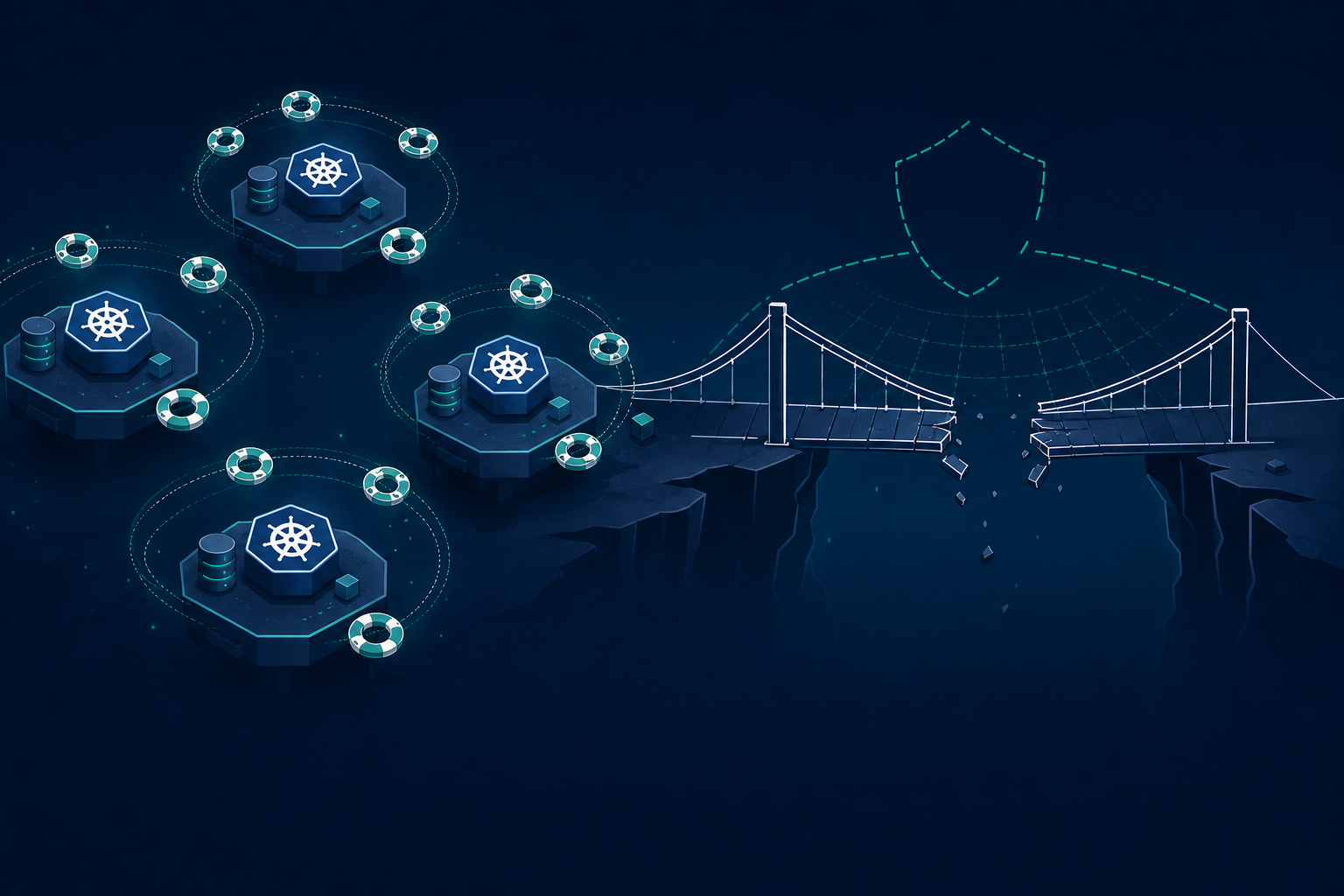
A platform team at a fintech ran Velero on every cluster and called it disaster recovery. They had nightly backups of namespaces, PVCs, CRDs, the works. Their runbook said "restore from latest Velero backup, point DNS, page on-call." When us-east-1 had a bad afternoon and they failed over to us-west-2, the restore job did exactly what it was supposed to do. Pods came back. PVCs came back. Service accounts came back.
Then half the apps started CrashLoopBackOff with dial tcp: lookup payments-db.cluster-abc123.us-east-1.rds.amazonaws.com: no such host. The other half logged NoSuchBucket: The specified bucket does not exist. The team had been using Crossplane to provision that infrastructure for two years. Crossplane's desired state lives in etcd as XPostgreSQLInstance and XBucket custom resources, not in any PVC Velero touches. The restore job had no idea the RDS instances or S3 buckets had ever existed.
Here's what most teams get wrong about Kubernetes disaster recovery. They equate "backing up the cluster" with "backing up everything the apps need to run." Velero backs up Kubernetes objects and the volumes attached to them. It does not back up the cloud infrastructure layer underneath. If your platform uses Crossplane, Terraform-controller, ACK, or Config Connector, your cluster manifests are pointers to resources that live in AWS, GCP, or Azure. Those pointers survive the restore. The resources do not.
1. Treat Git as the backup for the infra layer
The right mental model is two distinct restore paths. Crossplane manages the cloud control plane. Velero manages workloads sitting on top. Each one needs its own source of truth.
For Crossplane, the source of truth is Git. Every Composition, CompositeResourceDefinition, and claim like this:
apiVersion: database.tekanaid.io/v1alpha1
kind: PostgreSQLInstance
metadata:
  name: payments-db
  namespace: payments
spec:
  parameters:
    storageGB: 100
    instanceClass: db.r6g.large
    region: us-east-1
  compositionRef:
    name: postgres-aws-prod
  writeConnectionSecretToRef:
    name: payments-db-conn
That manifest lives in infra/claims/payments-db.yaml. The full Composition that translates it into RDS API calls lives in infra/compositions/postgres-aws.yaml. ArgoCD or Flux applies both. When you lose a region, you do not restore these from a Velero tarball. You apply them from Git, let Crossplane reconcile, and wait for the external resources to come up.
2. Sequence the restore: infra first, workloads second
The crash loops in the opening story happened because workloads landed on a cluster before their dependencies existed. The restore order matters.
# Step 1: bootstrap Crossplane + providers in the recovery cluster
kubectl apply -k infra/crossplane/bootstrap/

# Step 2: apply XRDs and Compositions (the type definitions)
kubectl apply -f infra/xrds/
kubectl apply -f infra/compositions/

# Step 3: apply claims (this triggers actual RDS, S3, etc. provisioning)
kubectl apply -f infra/claims/

# Step 4: wait for external resources to be ready
kubectl wait --for=condition=Ready xpostgresqlinstance --all --timeout=30m
kubectl wait --for=condition=Ready xbucket --all --timeout=15m

# Step 5: NOW restore workloads from Velero
velero restore create prod-restore-$(date +%s) \
  --from-backup prod-daily-latest \
  --include-namespaces payments,checkout,billing
The kubectl wait step is the one teams skip. They kick off the Velero restore in parallel because it feels faster. Then pods come up looking for endpoints that Crossplane has not finished provisioning yet, RDS takes 15 to 20 minutes to be available, and the deployment marinates in failed liveness probes until someone restarts everything by hand.
3. Back up connection secrets separately, or regenerate them
Crossplane writes connection details to a Kubernetes secret via writeConnectionSecretToRef. When a new RDS instance is provisioned in the recovery region, that secret gets a new password, a new endpoint hostname, a new port. Old workloads referencing the old secret values via env vars, even if Velero restored them, will hold stale data.
Two patterns that survive this. Pattern one: never bake connection details into ConfigMaps or restored secrets. Always mount the Crossplane-managed secret directly:
envFrom:
  - secretRef:
      name: payments-db-conn  # written by Crossplane, not Velero
Pattern two: exclude these secrets from Velero entirely so the restore does not overwrite the fresh ones:
apiVersion: velero.io/v1
kind: Backup
metadata:
  name: prod-daily
spec:
  includedNamespaces:
    - payments
  excludedResources:
    - secrets.crossplane.io
  labelSelector:
    matchExpressions:
      - key: crossplane.io/managed
        operator: DoesNotExist
The label selector skips anything Crossplane owns. The cluster reconverges on the new region's secrets without Velero stomping them.
4. Test the runbook quarterly with a real region
A DR plan you have never executed is fiction. The fintech in the opening had a beautifully written runbook. Nobody had tried it end to end. The first time they ran it was during an actual outage, and the gap between "Velero restored fine" and "apps still down" became a four-hour incident.
A useful drill looks like this. Pick a quiet Thursday. Spin up an empty cluster in the secondary region. Run the four steps above against last night's Velero backup and last commit's Crossplane manifests. Measure how long it takes for synthetic traffic against checkout.staging to return 200s. If it is over 45 minutes, find the slowest step and fix it before next quarter. Most of the time the slow step is waiting on RDS, and the fix is pre-warming a replica in the standby region.
Why this matters in production
The platform team in the opening story still had a job after that outage, but the postmortem was brutal. Their finance org had assumed Velero plus multi-region clusters equaled disaster recovery. The actual RTO they could prove was zero. The number on the SOC 2 deck was four hours. Selling DR to auditors and selling it to your CTO are different problems, and both depend on testing the real path under real conditions.
The pattern that holds up: Crossplane manages infra, Git backs up Crossplane, Velero backs up workloads, and the restore runbook applies them in the correct order with explicit waits. Anything less and you are backing up the easy half of the system.
Done right
If you want hands-on labs that walk through Crossplane Compositions, Velero schedules, and a full region-failover drill against AWS, see tekanaid.com/courses.
Backup what your cluster references, not just what runs inside it. ↓